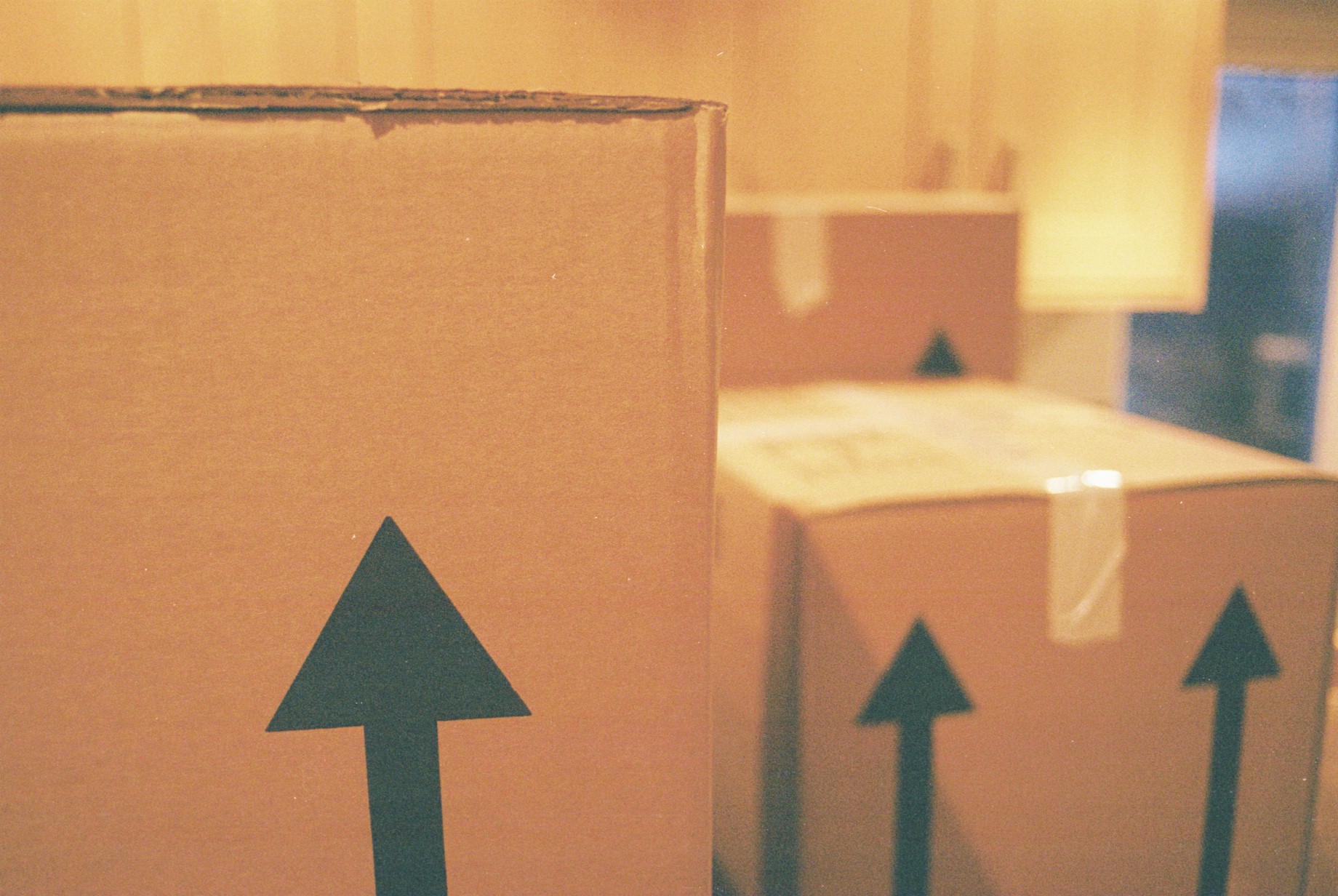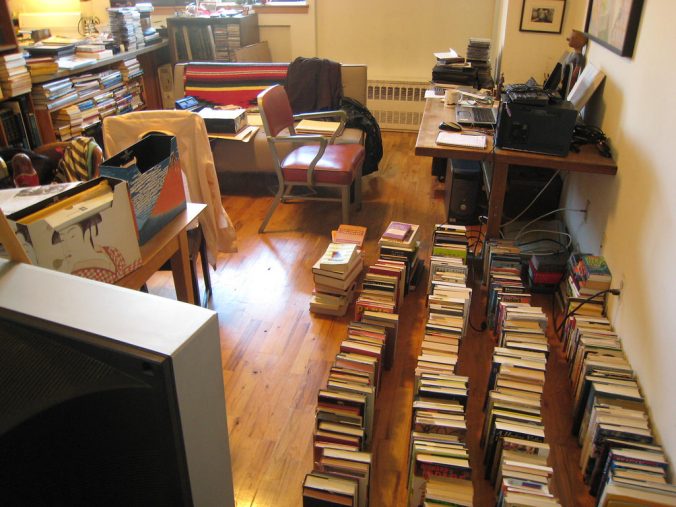
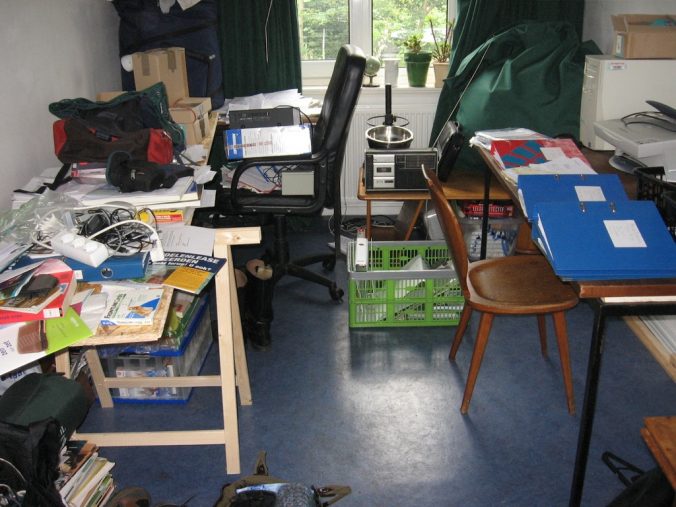
Perhaps the hardest part about moving isn’t finding a home or selling your home. It’s moving. You never quite realize how much stuff you actually have until moving day. With so much clutter, you may, at times, want just to let the new owner of the home have everything. To help you declutter the house, Kip’s Cross Country Movers has seven essential tips that you need to know.
1. Spread It Out
One of the methods for making decluttering a lot easier is not to do it all in a single weekend. That’s a recipe for high-stress and a lot of exhaustion. Instead, spread decluttering over a series of weekends. For those who know that they’re going to move in a few months, then start decluttering the moment you decide that you’re going to move. You can start by tossing out junk, donating, and forming piles of items that you want to keep and items that you need to get rid of. By spreading the work over a few weekends or even a few months, the job is easier.
2. Have An Essentials Box
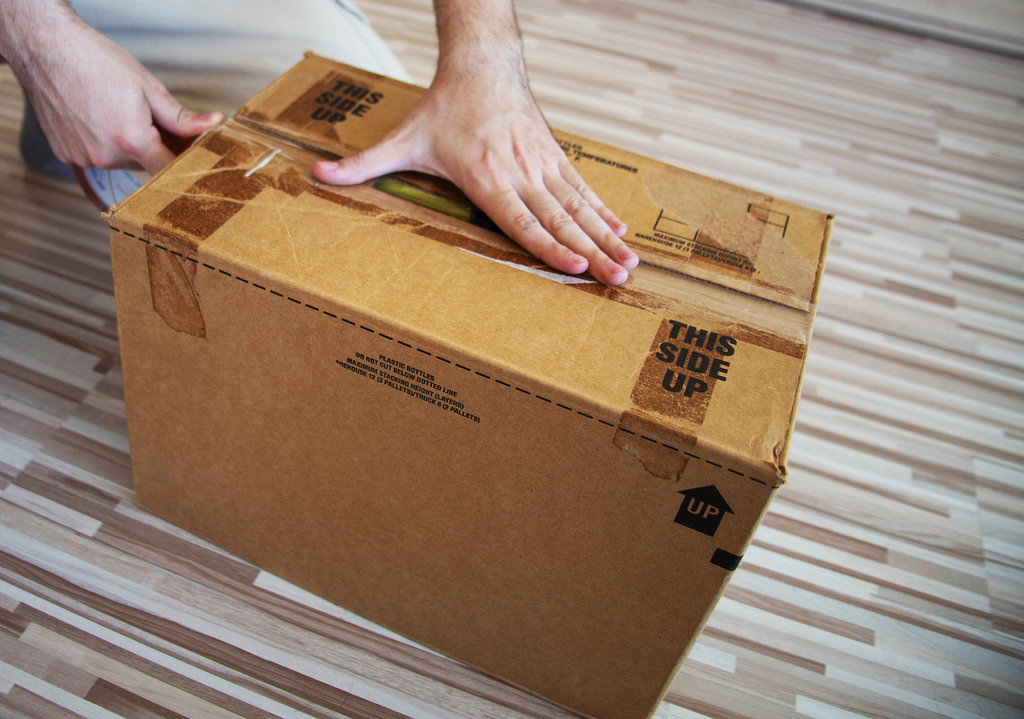
When it comes to the official moving day, one of the things you’ll need is an essentials box. This box will hold everything that you need to make it through the first night at your new place. It should have toiletries, your clothes, perhaps some food and cooking instruments, as well as anything else that you know you’ll need on that first night. This allows you to just relax once all of the boxes are placed in the home.
3. Donate
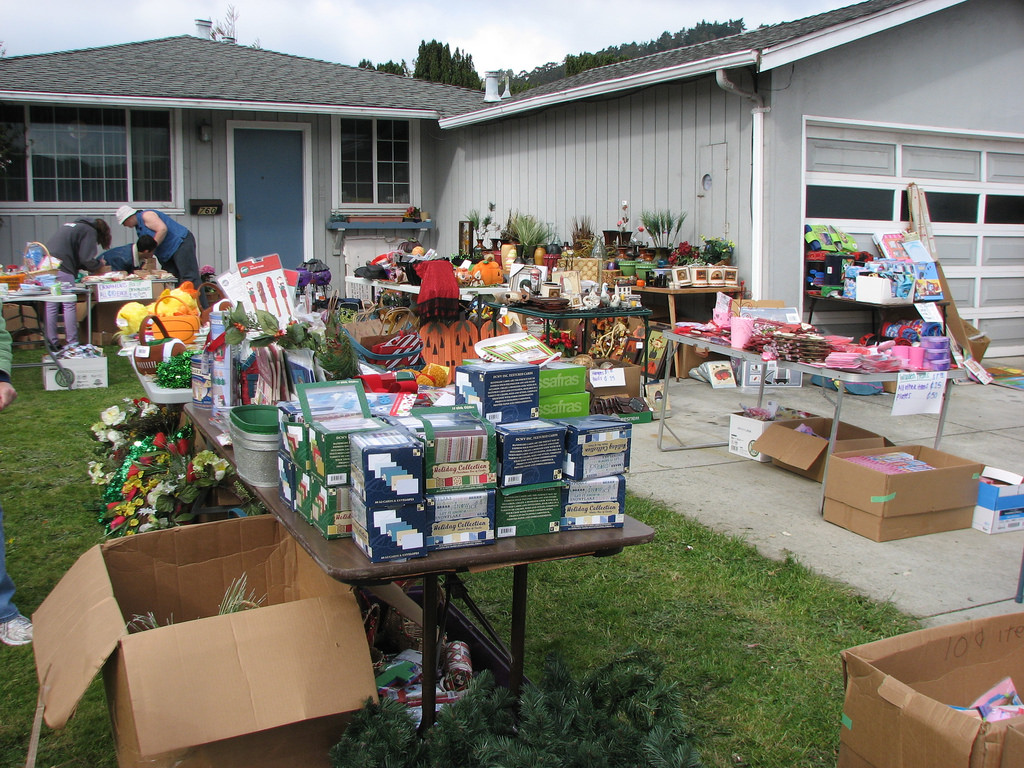
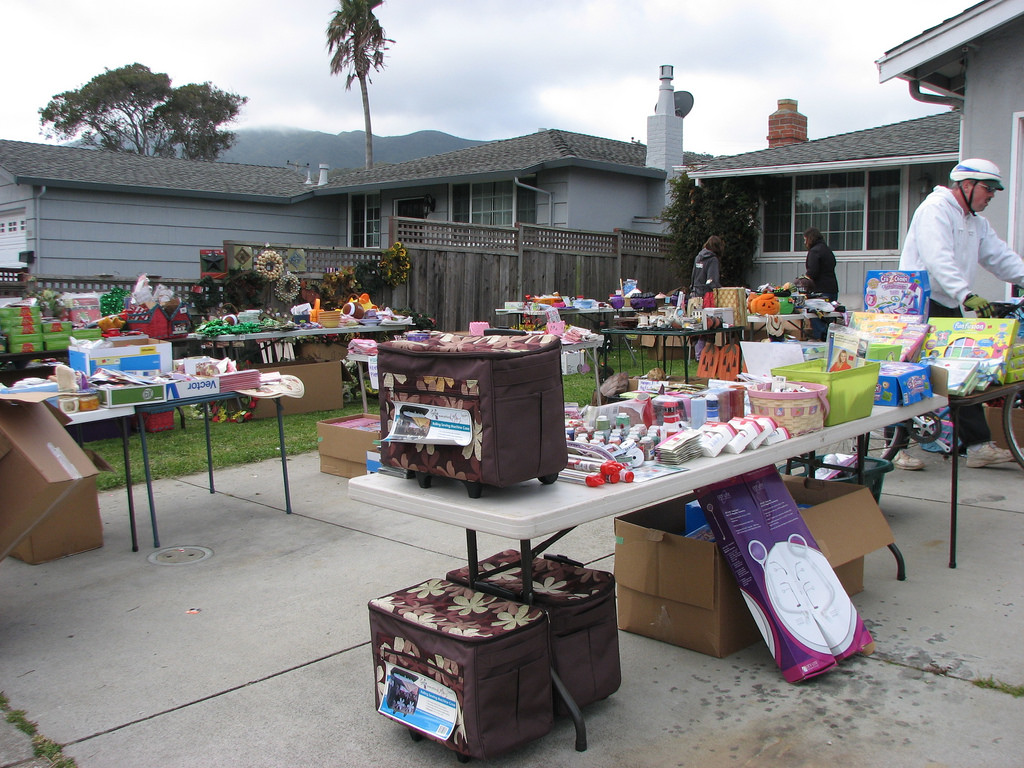
One of the best things to do with the excess of stuff that you have is to donate it. There are a ton of different organizations out there that are all too happy to take the stuff that you don’t need anymore. Some of those organizations re-sell it to those who don’t have a lot of money, while others may give it directly to the poor. Research the organization to find the one that acts in such a way that correlates with your values. Alternatively, you could sell items at a garage sale.
4. Be Practical
It can be difficult to get rid of clothes and items that have been with you for years. In order to help yourself be practical about what you need to keep, you can use a time limit. Take clothes, for instance. When was the last time that you wore a certain shirt? What is the likelihood that you will wear it again? If the answer is longer than a year, then it should be donated.
5. Using 3 Box Method
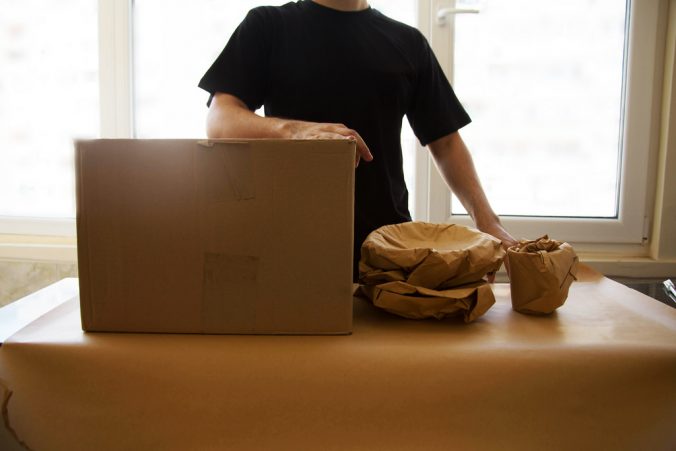
To make decluttering even easier, you should use the 3 box method. This method utilizes three boxes for keeping, trash, and for donating. Each room you go into should have three boxes in it. This can make transferring items faster and far more organized.
6. One Room At A Time
To also stay organized, you should clear out one room at a time. This also helps to keep you motivated. You’re able to see progress being made.
7. Rent Dumpster
Finally, rent a dumpster. It will allow you to just throw everything out at once. You won’t need to stockpile trash at your home for each trash day.